
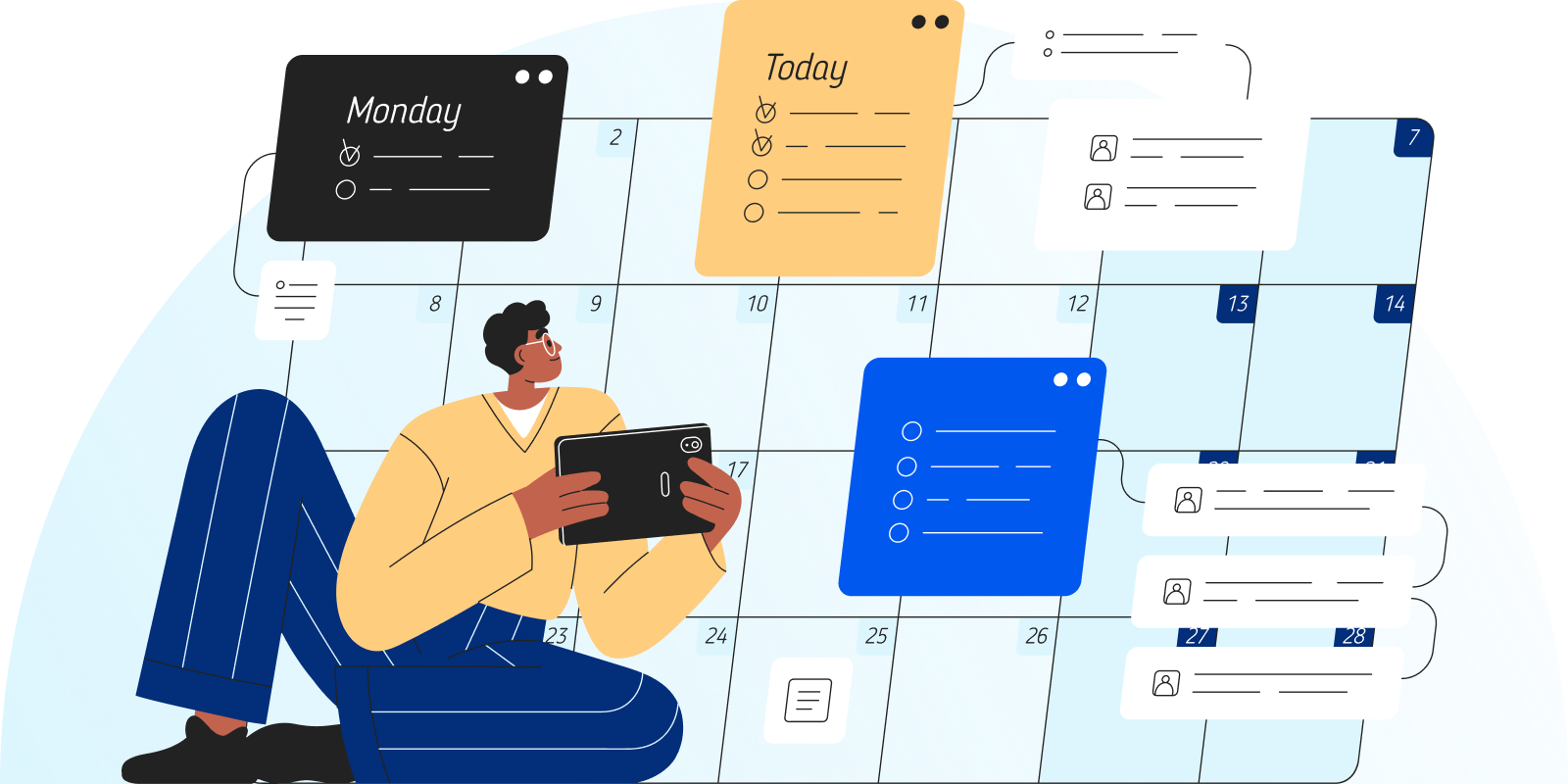

- Reduce no-shows: Keep clients updated on their next session with free automated appointment reminders.
- Customize reminders per client. Select when and how each client will recieve appopintment reminders,
- Privacy-first sync. Securely import a read-only view of your TherapyAppointment calendar to and from Google, iCal, or Outlook.
- Avoid calendar conflicts. Seeing both work and personal calendars together makes it easier to plan your day and avoid overlap.
- Read-only connection. Your calendars stay connected with a read-only sync that helps prevent accidental changes.
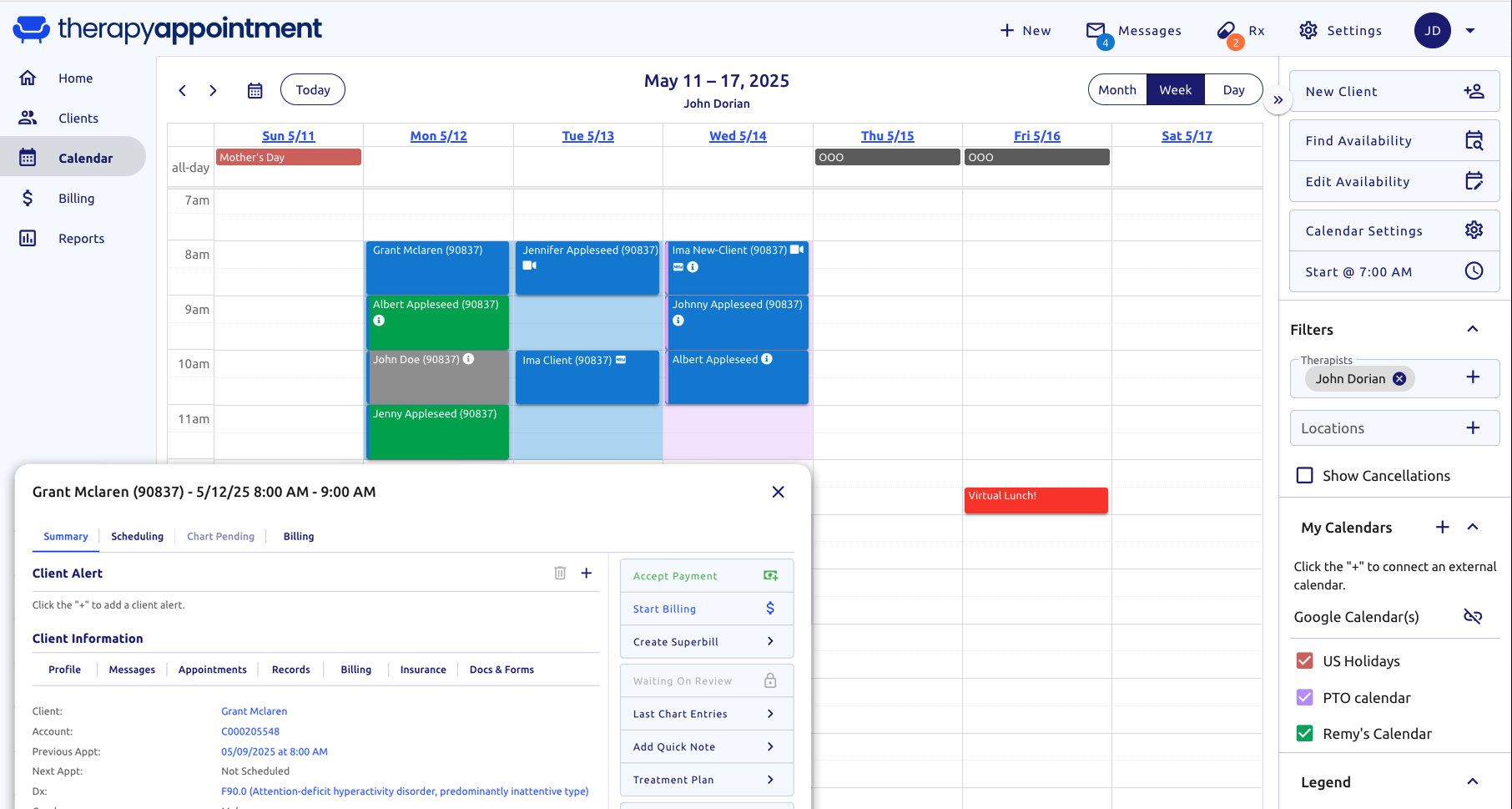

- Manage your availability. Update your online availability according to your schedule.
- Enable online self-scheduling. Clients can book their appointments through your online portal.
I've seen a big boost in my appointments, and my patients really appreciate being able to manage their own schedules. TherapyAppointment is user-friendly, thorough, and packed with features that benefit both patients and therapists. It's like having an extra set of hands in the office.
Take a look at the time-saving tools we offer
AI Notes new
Transcribe sessions and generate notes, plans, and summaries while you maintain control.
Client Portal
Engage with clients through secure client portals, HIPAA-aligned messages, and offer online self-scheduling.
Billing & Insurance
Easily manage your schedule, process payments, and file insurance claims from one secure platform.
Clinical Notes
Save time with our free HIPAA, SOAP, and custom template library, and secure AI scribe.
Scheduling
Minimize no-shows with automated reminders, manage availability with flexible calendar settings, and enable client self-scheduling.
Data & Reports
Create comprehensive income and data reports using real-time analytics.
Conduct HIPAA-aligned telehealth sessions directly from your dashboard.
Nope! Unlimited appointment reminders are included with your monthly pricing, regardless of what tier you're at.
TherapyAppointment events shown in your synced calendar are for viewing only. To change a session, you must update it in TherapyAppointment. Likewise, Google Calendar events viewed in TA must be changed in Google Calendar.
Our calendar sync feature is not an editable two-way sync. Appointments can only be changed in the calendar where they were created.